

Export Transcripts and Manage Files in Bulk
September 14, 2023
When transcribing hundreds of files, it can be a pain to export your transcripts and manage your files one-by-one. VoiceGo supports bulk export and file management tools to make this easier.
To get started, simply select one or more files and use the "Bulk Actions" menu bar that will appear below the file list. You can use these bulk actions to export transcripts, move files between folders, and delete files:
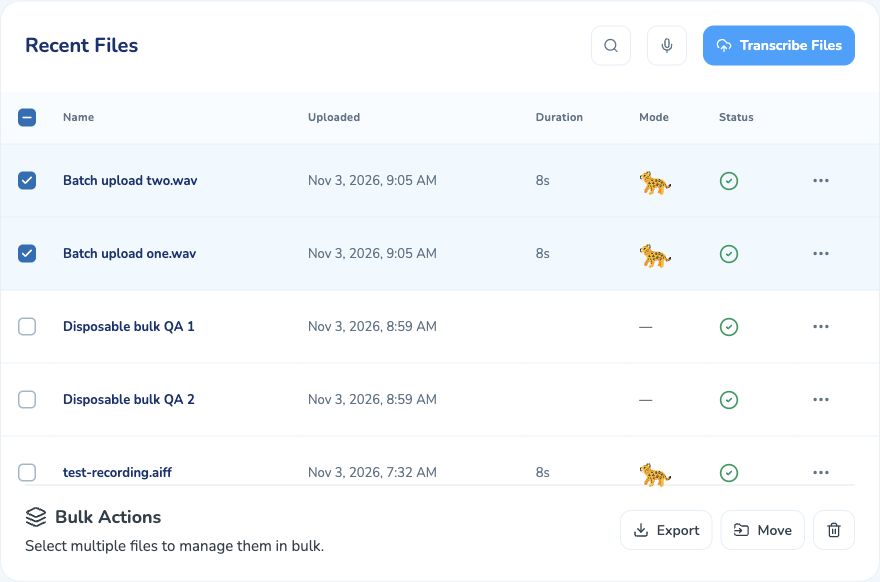
Bulk Export
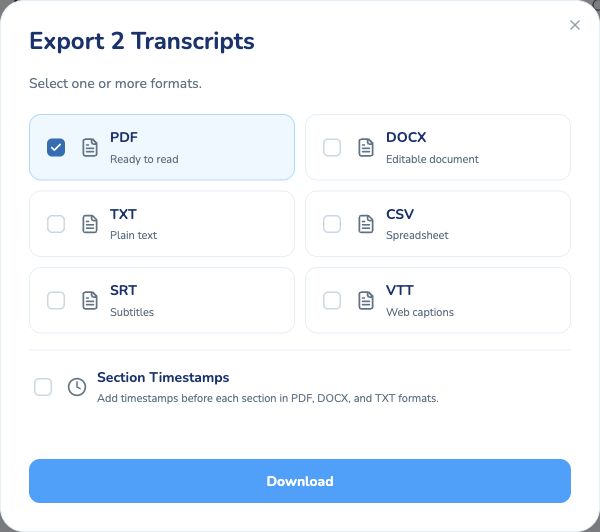
You can export up to 50 transcripts at time in your choice of format.
Transcripts can be exported as PDF, DOCX, TXT, CSV, VTT, and SRT. After clicking "Download", we will bundle together your requested transcripts in the selected format(s) and your browser will download a single ZIP file.
Bulk Folder Management
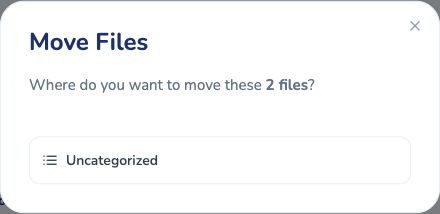
After you've started to upload and transcribe larger numbers of files, most people want to begin organizing them into folders. After creating a new folder, you can easily move batches of files between folders.
Bulk Deletions
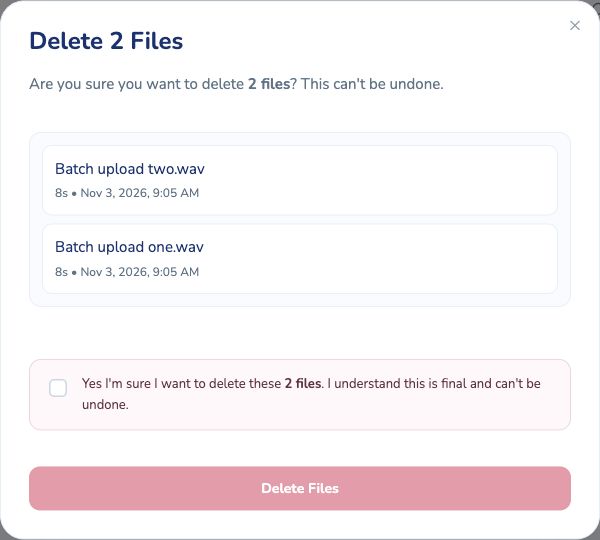
Finally, you can also use these tools to delete multiple files at the same time. You can also delete an entire folder, which automatically deletes all files in that folder.
Happy transcribing!