
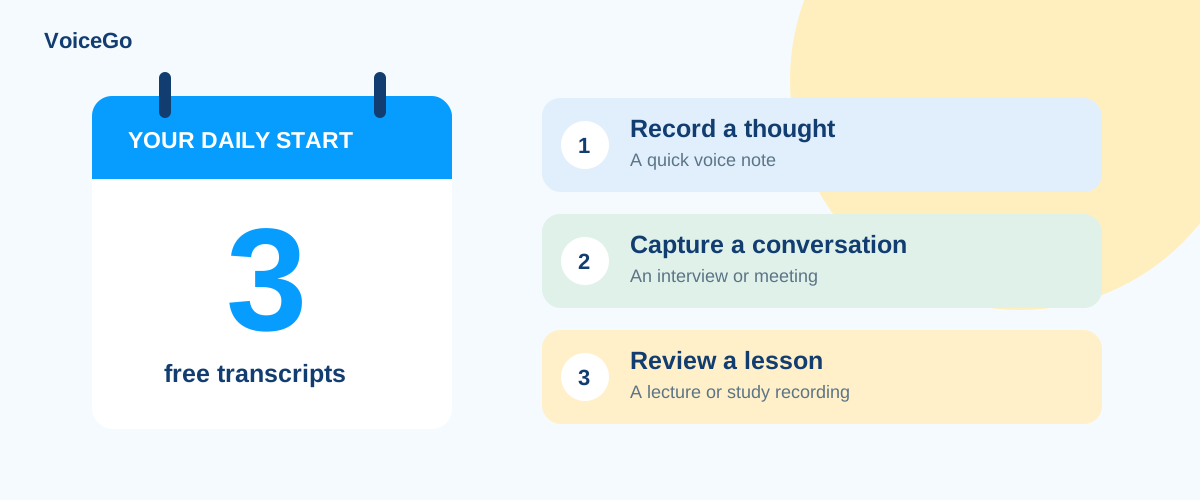
Free audio transcription: how VoiceGo’s daily allowance works
Get three free transcriptions per UTC day. Learn the 30-minute limit, long-file behavior, staged uploads, and when the daily allowance resets.
VoiceGo team · · 2 min read
The free VoiceGo plan is designed for trying the complete recording-to-transcript workflow on everyday files. You get three accepted transcription submissions per UTC day, with up to 30 minutes processed for each file. No paid subscription is needed to begin.
When does a file use the allowance?
Selecting a file or adding a media link prepares it for submission. Pressing Transcribe submits the job. The dashboard shows your daily usage so you can see how many submissions remain. Treat the allowance as accepted submissions, rather than a promise of three successful or error-free documents.
Once today's allowance is used, the workspace shows an upgrade prompt instead of the usual upload and recording controls. You can still open existing work. The daily counter resets at midnight UTC, which may fall at a different local time where you live.
What happens to a one-hour recording?
On the free plan, VoiceGo processes the first 30 minutes. It does not automatically split a one-hour upload into two free transcripts. The free result's playback and media download are limited to the processed portion. For longer transcription coverage, review the Unlimited plan before submitting.
Can I upload a batch for free?
The free picker accepts one file at a time. Three daily submissions are not the same as a three-file batch: submit files separately while you have allowance available. Unlimited supports batch uploads of up to 50 files, subject to each file's size and duration limits.
Keep a guest transcript
You can try transcription in a temporary guest workspace. Sign up or log in within 24 hours to retain those transcripts. Use the save prompt in the same browser session so the guest work can be associated with your account.
Choose a useful first sample
A short recording with clear speech is a good starting point. Check the language setting, choose Zip or Proof, and review the transcript against playback. Try a TXT or SRT export depending on your goal. See the first-transcript guide for the full walkthrough.
If the counter looks unexpected, contact [email protected] with your account email and approximate submission time, including the timezone. Never send a sign-in code.