
VoiceGo privacy: processing, sharing, and your recordings
Understand how VoiceGo processes audio, how transcript sharing works, and what to check before uploading sensitive recordings.
VoiceGo team · · 2 min read
Recordings can contain more than the words you meant to capture. Names, background conversations, and personal details may all appear in a transcript. Our approach is to explain the processing involved and give you practical controls over what you upload, export, and share.
Who processes an audio or video file?
VoiceGo uses hosted transcription through OpenRouter and its transcription providers. Audio leaves your device for transcription. If you enable speaker recognition, a separate model processes the recording to identify speaker turns. English translation sends transcript text to a translation model. These providers may process data outside the EU.
VoiceGo is therefore not an offline or entirely in-house transcription service. Our privacy policy describes the wider handling of account data, service providers, and analytics. Contact us before uploading material that requires a particular storage location, contractual safeguard, or organizational approval.
Who can open a transcript?
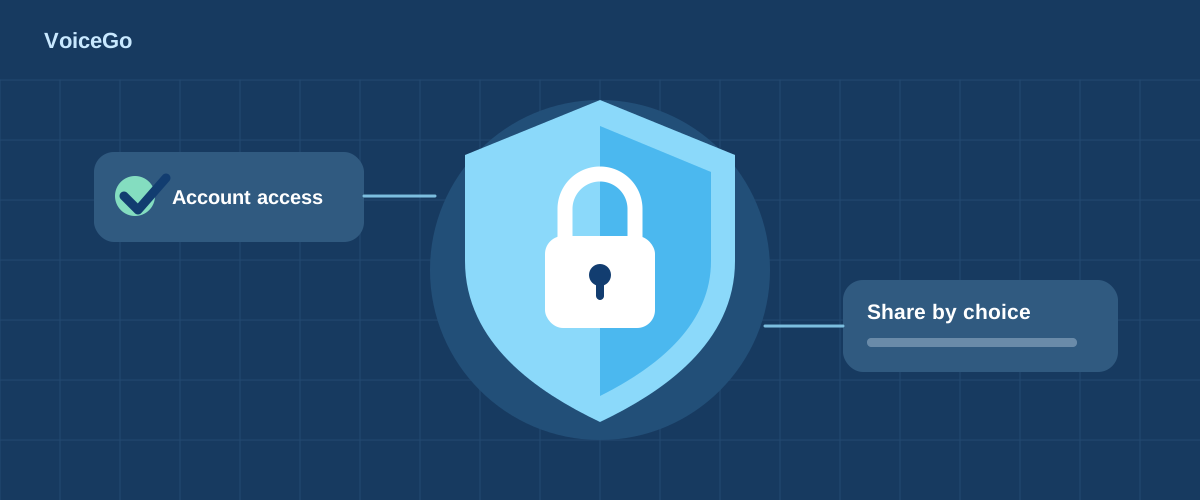
Your workspace uses account access controls. Creating a share link is a separate choice: anyone who obtains that link can access the shared content. Share it only with intended recipients, and revoke it when it is no longer needed. Revocation stops future access through that link; it cannot retrieve copies someone already downloaded.
What changes when I use other tools?
The transcript Translation Tool uses Google Translate, which receives the text needed to translate the page. Copying a transcript into ChatGPT or another service is another disclosure to that provider. Review its settings and terms, and remove information that is unnecessary for your task.
How do I keep or remove my work?
Guest workspaces expire after 24 hours unless you sign up or log in to retain the work. Export important transcripts before deleting files or closing an account. File deletion removes the workspace record and schedules associated media cleanup; it should not be treated as a promise that every storage copy disappears instantly. See account settings and the privacy policy for your options.
A checklist for sensitive recordings
- Make sure you have permission to record and upload the material.
- Remove unrelated personal details where possible.
- Confirm that hosted processing meets your organization's requirements.
- Review AI-generated text before using it for consequential decisions.
We do not claim a particular compliance certification, encryption-at-rest configuration, or provider retention guarantee in this guide. For a specific requirement, email [email protected] with your question before uploading the recording. Do not attach confidential media to the initial request.