
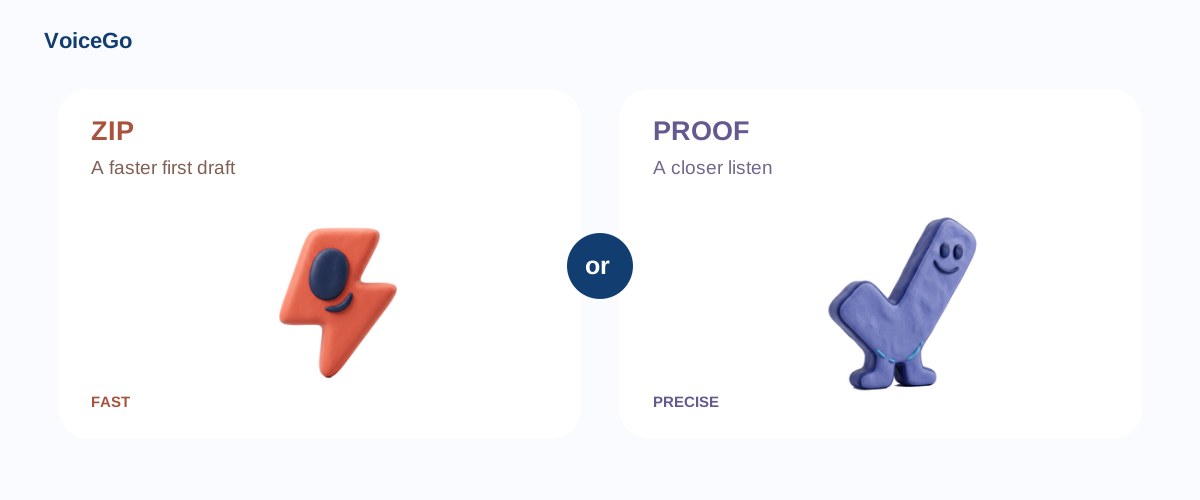
Zip or Proof? VoiceGo transcription modes and settings
Compare Zip and Proof transcription, speaker recognition, English translation, and noise reduction to choose settings for your recording.
VoiceGo team · · 2 min read
Different recordings call for different priorities. A clear voice memo may need a quick first draft; a difficult interview may deserve the larger model and extra review. VoiceGo offers two transcription modes, with optional settings for speaker labels, English translation, and background noise.
Zip: a fast first draft
Zip uses hosted Whisper Large v3 Turbo through OpenRouter. Choose it when turnaround matters and the recording is reasonably clear. It is useful for notes and everyday recordings.
Proof: a more detailed model
Proof uses hosted Whisper Large v3. Its larger decoder is designed for more detailed speech processing. Start here when reviewing an important interview or a recording with challenging vocabulary.
Older transcripts may display Duet. That historical mode is no longer offered for new submissions. Both current modes are available within the free daily allowance.
Speaker recognition
A separate hosted model examines the original audio for speaker turns. VoiceGo aligns those labels with transcript segments. The current speaker-labeling workflow supports recordings up to 60 minutes and a compressed audio size of 24 MB. This is separate from the plan's overall upload limit.
Edit speaker names in the transcript to keep conversations organized, then include speaker labels in your export.
English transcription and translated text
The English option first transcribes speech in its original language, then translates the segments into English through a hosted model. Segment timestamps and speaker labels stay attached; translated words do not receive individual word timestamps. For other target languages, the transcript's Translation Tool uses Google Translate.
Background noise reduction
Noise reduction applies signal processing before transcription. Try it when steady background sound masks speech; leave it off for clear audio. Speaker labeling analyzes the original recording.
For the best starting point, place the microphone close to the speaker and avoid recording several voices over one another. Learn where processing happens or return to the workspace to choose your settings.