
How to summarize a VoiceGo transcript with ChatGPT
Create meeting summaries, action items, and study notes from reviewed VoiceGo transcripts using a manual ChatGPT workflow.
VoiceGo team · · 2 min read
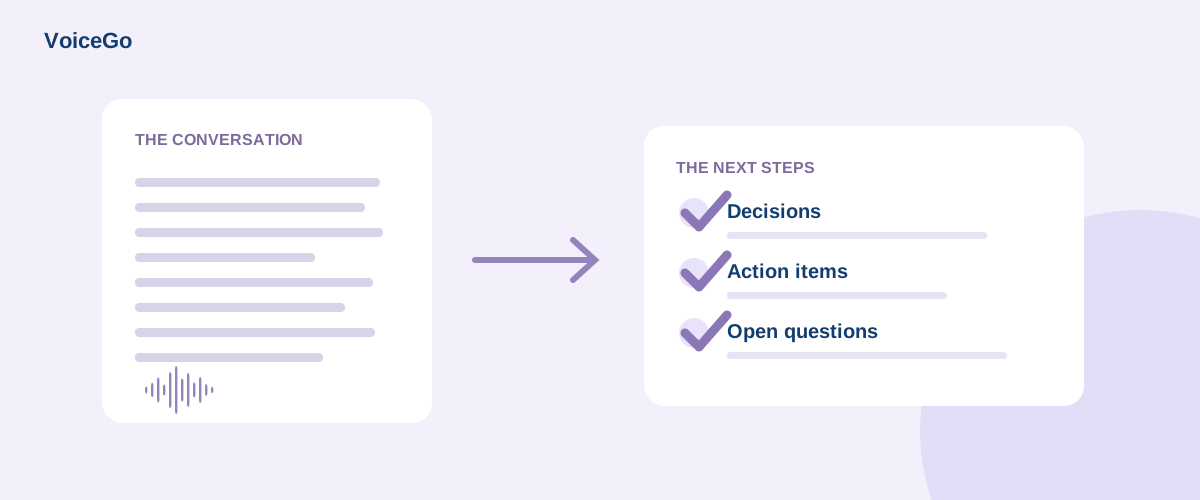
Transcription captures the conversation; a summary helps you act on it. VoiceGo handles the audio-to-text step. You can then choose to take the reviewed text into ChatGPT for a shorter set of notes. This guide describes a manual export-and-paste workflow, not a connected VoiceGo GPT or automatic account integration.
Prepare a transcript worth summarizing
Open the completed recording and listen to unclear passages. Correct people's names, figures, and technical vocabulary. Keep speaker labels and timestamps if they will help you check the summary later. Download TXT, or copy the relevant text from the document.
Before opening an external AI service, remove personal information that is not needed. Pasting text into ChatGPT shares it with that service under its own policies. Do not assume that VoiceGo's access controls extend to a pasted copy.
Ask for a specific, checkable output
Try this prompt with your own reviewed transcript:
Use only the transcript below. Write a short meeting overview, followed by confirmed decisions, action items, and unresolved questions. For each action, identify the owner and deadline only if stated. Otherwise write “not specified.” Include available timestamps. Separate suggestions from actual commitments.
For example, the fictional line “We could publish on Friday if the review is complete” is conditional. It should not become “Launch confirmed for Friday.” Clear instructions help, but you still need to verify the output.
Check the summary against the source
- Confirm each decision in the recording.
- Look for invented owners, dates, and numerical details.
- Keep uncertainty where the speakers were uncertain.
- Remove repeated points without removing disagreements.
Handle longer recordings in sections
If your chosen AI tool cannot accept the full text, divide it by topic or timestamp. Summarize each section with the same instructions, then request a combined summary. Keep the section references so you can trace the final notes back to the audio.
For a different output, such as interview notes or revision cards, see turning transcripts into useful content. Return to VoiceGo whenever you need to verify a quote rather than relying on a summary of it.