
Turn audio transcripts into articles, study notes, and captions
Use VoiceGo transcripts as source material for interview articles, study guides, and accessible captions while preserving context and accuracy.
VoiceGo team · · 2 min read
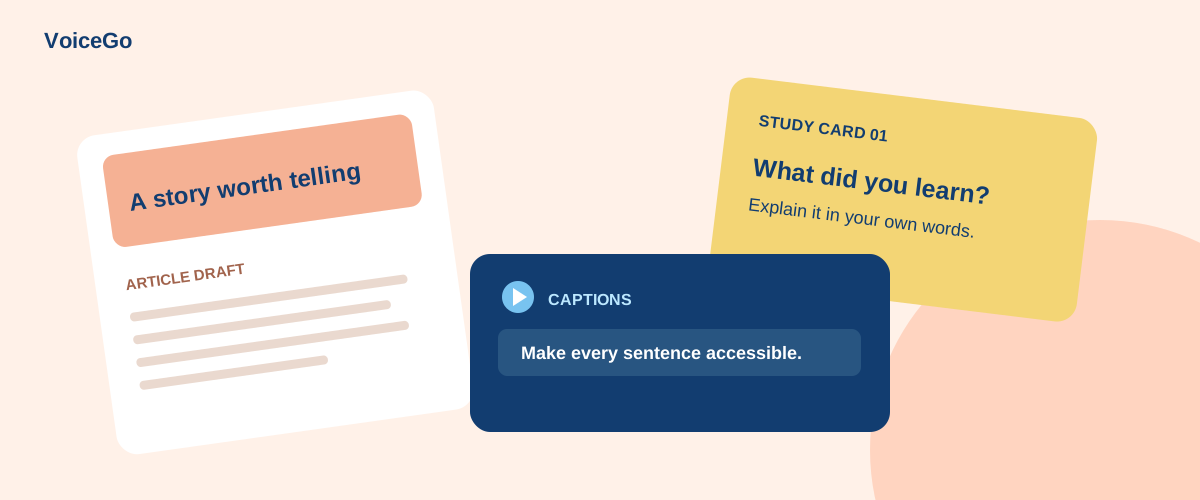
A recording is rich source material, but it rarely arrives in the format your next task needs. An interview may become an article, a lecture may become revision notes, and a tutorial may need subtitles. Start with a checked transcript, then choose a structure that serves the reader.
From interview to article outline
Transcribe the interview in VoiceGo, enable speaker recognition when helpful, and review the wording of potential quotes. Group related passages into themes before writing an introduction. Keep timestamps beside quotations in your working draft so an editor can return to the recording.
You can manually paste selected text into a writing assistant and ask: “Suggest an outline using only these interview notes. Mark direct quotes separately from paraphrases. List questions the source material does not answer.” Do not turn a paraphrase into a quotation or attribute generated opinions to the interviewee.
From lecture to study guide
Separate definitions, worked examples, and open questions. Ask yourself whether you can explain the subject without looking at the transcript. If you use an AI assistant to generate practice questions, request answers grounded in specific passages and compare them with your course materials.
Example exercise: after a lecture about customer interviews, write three questions that distinguish an observation from an assumption. The aim is active recall, not a shorter transcript that you never revisit.
From video to subtitles
Use SRT or VTT when the destination needs timed captions. TXT and DOCX suit prose editing, but they do not replace a subtitle file. Review names, timing, and line breaks in the video editor or player where the captions will appear. Translation needs an additional review by someone who understands the target language.
Preserve context and permission
Only reuse recordings and quotations you have permission to publish. A private conversation does not become public simply because it has been transcribed. If you send text to ChatGPT or another assistant, check the provider's data handling and remove unnecessary sensitive details.
VoiceGo keeps the original recording available alongside your transcript so your source remains easy to check. Learn a practical summary workflow or compare download formats before preparing your next deliverable.